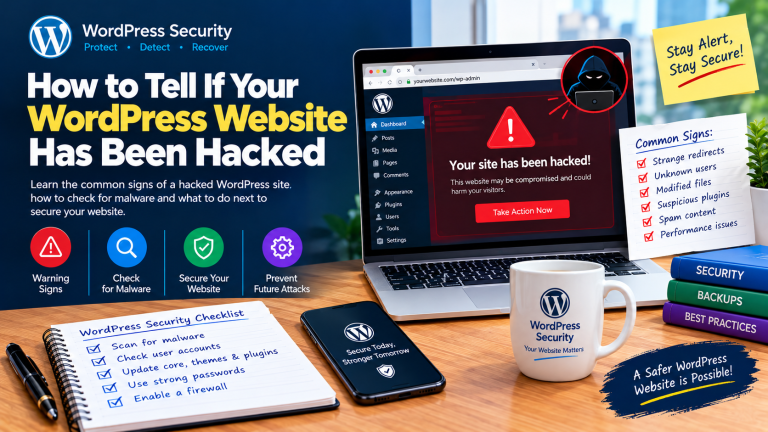
How to Tell If Your WordPress Website Has Been Hacked
Is your WordPress website acting strangely? Learn the common signs of a hacked website, how to check for malware and suspicious users, and what to do to secure your site.


Is your WordPress website acting strangely? Learn the common signs of a hacked website, how to check for malware and suspicious users, and what to do to secure your site.
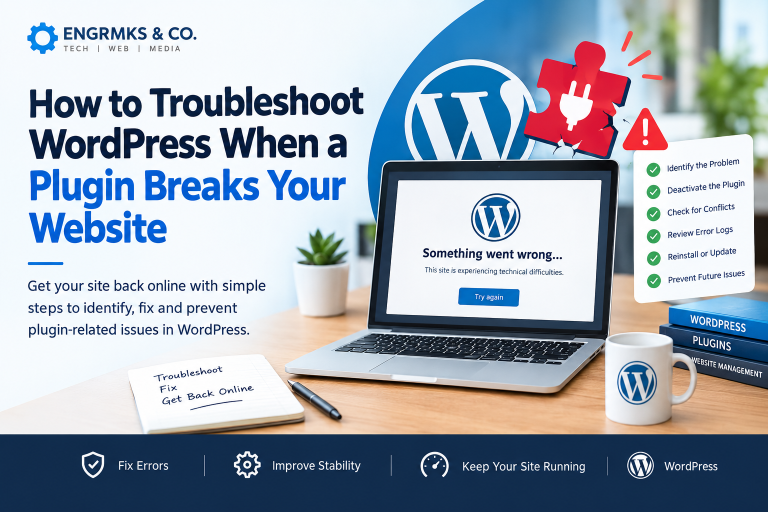
Did a WordPress plugin break your website? Learn how to identify plugin conflicts, deactivate a problematic plugin, recover your WordPress site, troubleshoot critical errors and prevent plugin-related problems from happening again.
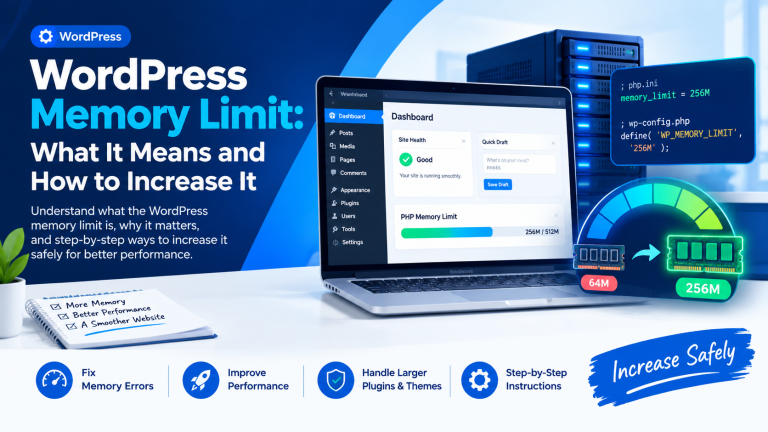
Is your WordPress website showing a “memory exhausted” or fatal error? Learn what the WordPress memory limit means, why it matters, how to check it, and the safest ways to increase it using wp-config.php, .htaccess, PHP settings, cPanel and your hosting provider.
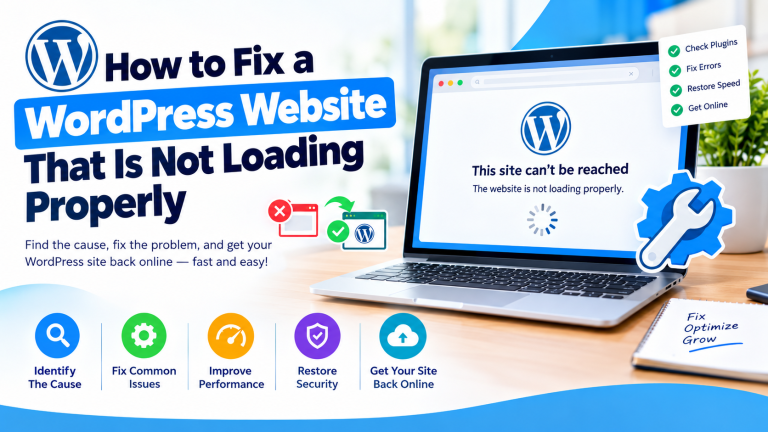
Is your WordPress website not loading properly? Learn how to diagnose and fix common problems, including blank pages, plugin conflicts, SSL errors, database issues, broken CSS, DNS problems, and slow loading.
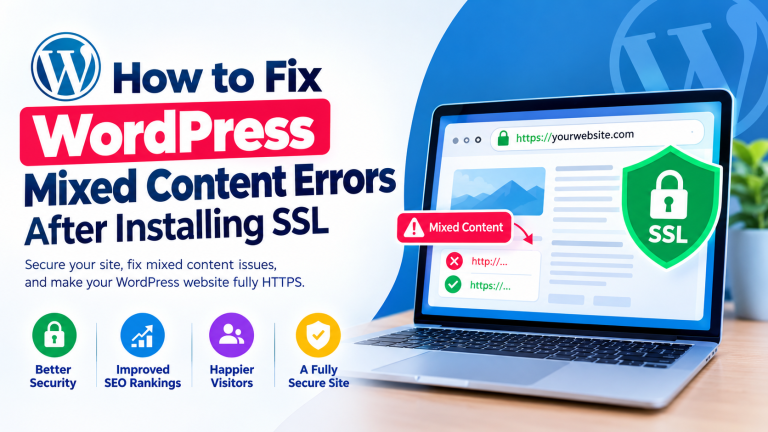
Learn how to fix WordPress mixed content errors after installing SSL. Follow these simple steps to replace HTTP resources with HTTPS and make your website fully secure.
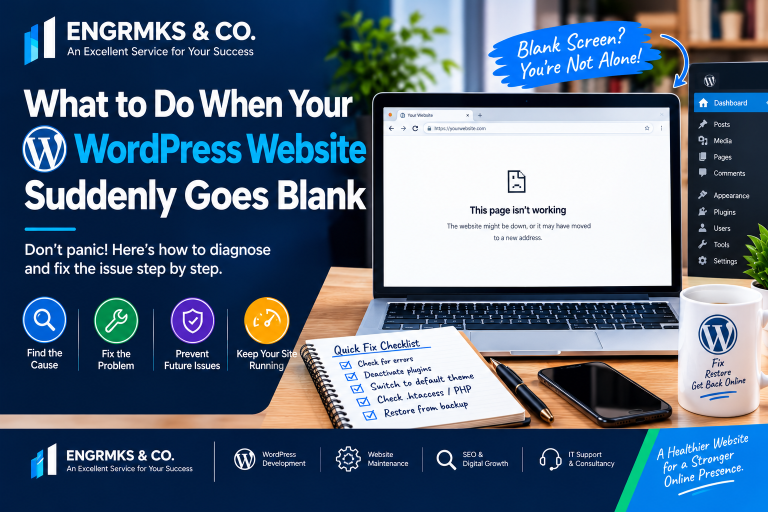
Is your WordPress website suddenly showing a blank screen? Learn the common causes and practical steps to diagnose and fix plugin conflicts, theme errors, PHP problems, memory limits, corrupted files and other WordPress issues.
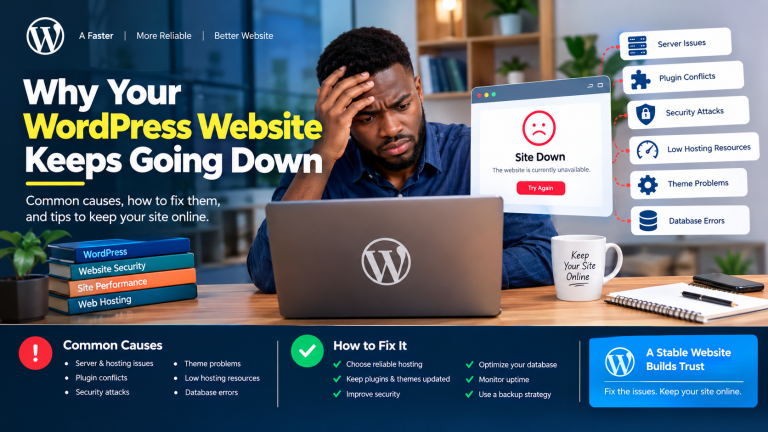
Is your WordPress website constantly going down? Learn the most common causes of WordPress downtime, how to diagnose the problem and practical steps to keep your website stable, secure and online.
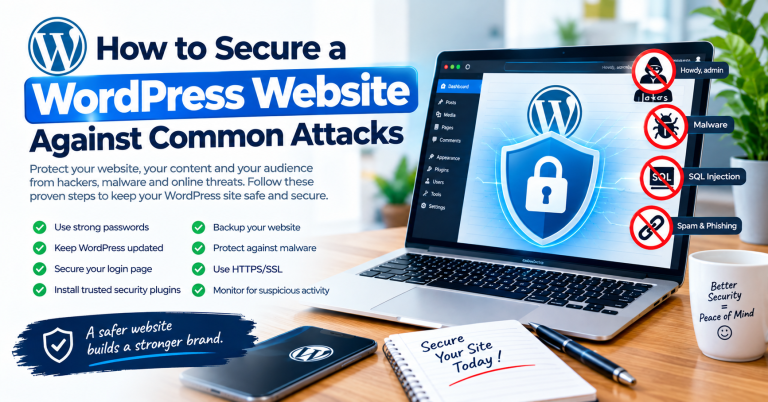
How to Secure a WordPress Website Against Common Attacks Introduction…
How to Fix WordPress Error Establishing Database Connection If your…