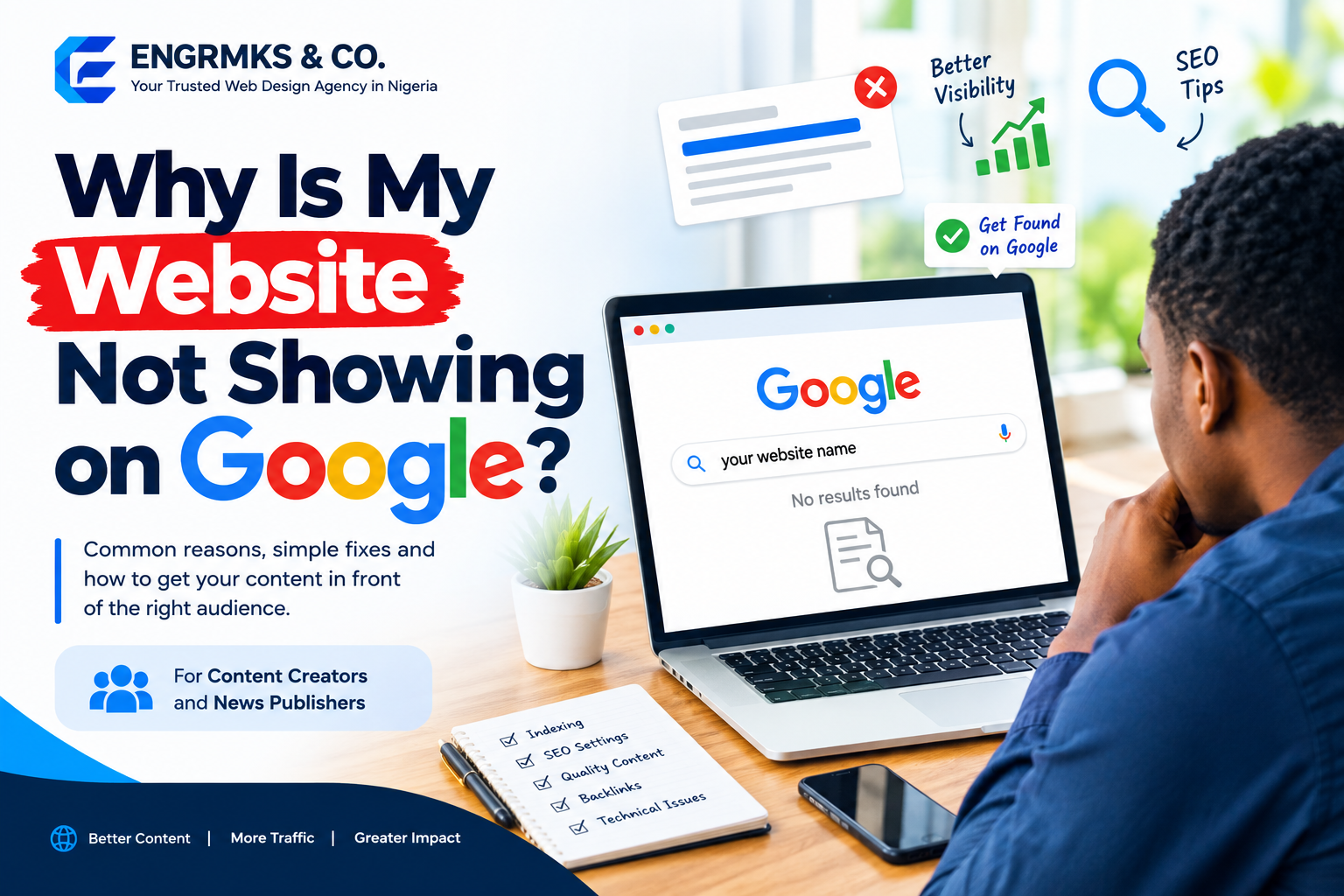
Why Is My Website Not Showing on Google? 12 Reasons and How to Fix Them
You have published articles, created quality content, shared your website on social media, and waited for visitors—but when you search for your website on Google, nothing appears.
Why is my website not showing on Google?
This is one of the most common questions asked by website owners, bloggers, content creators, and news publishers. In many cases, the problem is not that Google has rejected your website. Your pages may simply not be indexed, may be difficult for Google to crawl, or may not be ranking highly enough to appear for the searches you are making.
For news publishers and content creators, Google visibility is particularly important. If your articles cannot be discovered through search, you may miss thousands of potential readers, subscribers, customers, and advertisers.
The good news is that most Google visibility problems can be identified and fixed.
Read Also: How to Build a Free Website for Your Business in Nigeria (Guide)
In this guide, we explain 12 common reasons why your website is not showing on Google and what you can do to improve its visibility.
1. Your Website Has Not Been Indexed by Google
The first thing to determine is whether Google has actually indexed your website.
A website can be online and accessible to visitors without all—or any—of its pages being included in Google’s search index.
Try searching Google for:
site:yourdomain.com
Replace yourdomain.com with your actual domain name.
For example:
site:example.com
If Google returns pages from your website, at least some pages have been indexed.
If there are no results, your website may not yet be indexed, or Google may have encountered a problem accessing your pages.
How to fix it
Set up Google Search Console and inspect your important pages. Search Console can help you identify indexing problems, crawling issues, and other technical SEO problems.
You can also submit your XML sitemap through Search Console.
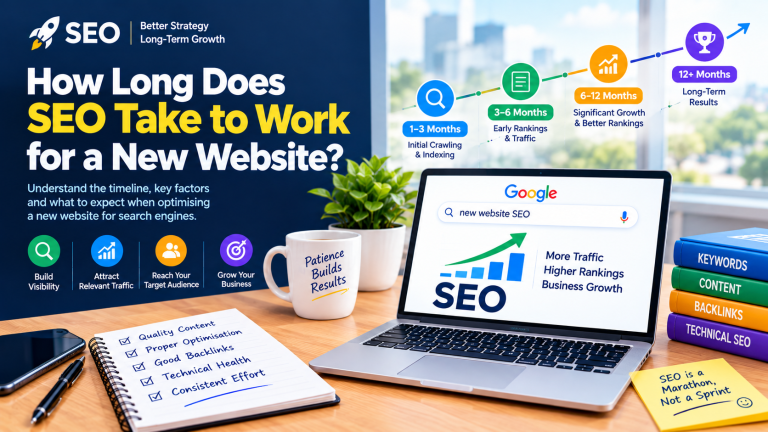
2. Your Website Is Too New
If you recently launched your website, don’t expect every page to appear on Google immediately.
Google needs to discover, crawl, process, and potentially index your pages. The amount of time this takes can vary depending on the website and its content.
New websites often have very few external links, little authority, and limited publishing history. This can make discovery slower.
What should new websites do?
Start by:
- Creating useful original content.
- Submitting your XML sitemap.
- Setting up Google Search Console.
- Linking your important pages internally.
- Promoting your content through legitimate channels.
- Maintaining a consistent publishing schedule.
For news publishers, publishing consistently is particularly important because your website may contain hundreds or thousands of articles over time.
3. Google Is Blocked From Crawling Your Website
One of the most important technical checks is your website’s robots.txt file.
A robots.txt file provides instructions to search engine crawlers about which areas of a website they may access.
An incorrectly configured robots.txt file can prevent Google from crawling important pages.
For example, a WordPress website that accidentally tells search engines not to crawl its content can have serious visibility problems.
Check your WordPress settings
In WordPress, go to:
Settings → Reading
Look for the option related to discouraging search engines from indexing the site.
Make sure you have not accidentally enabled a setting that prevents search engines from indexing your website.
Also check your site’s robots.txt configuration and investigate any unexpected Disallow directives.
Read Also: Common Website Errors That Kill SEO Rankings (And How to Fix Them)
4. Your Pages Have a “Noindex” Tag
Another common problem is the noindex directive.
A page containing a noindex instruction tells search engines that the page should not be included in their search index.
This can happen accidentally because of:
- SEO plugin settings.
- Theme configuration.
- Website migrations.
- Development websites being moved to production.
- Incorrect page-level settings.
- Custom code.
If your entire website or important categories are set to noindex, your content may not appear in Google.
How to fix it
Inspect important pages using Google Search Console’s URL Inspection tool and review your SEO plugin settings.
If a page is supposed to appear in Google, make sure it is not intentionally marked as noindex.
5. Google Cannot Properly Crawl Your Website
Google needs to crawl your website before it can understand and potentially index your content.
Technical problems can interfere with crawling.
Examples include:
- Server errors.
- Broken links.
- Poor website architecture.
- Incorrect redirects.
- Very slow server responses.
- Security restrictions.
- DNS problems.
- Frequent website downtime.
News websites can be particularly affected when they publish large volumes of content but have poor internal linking.
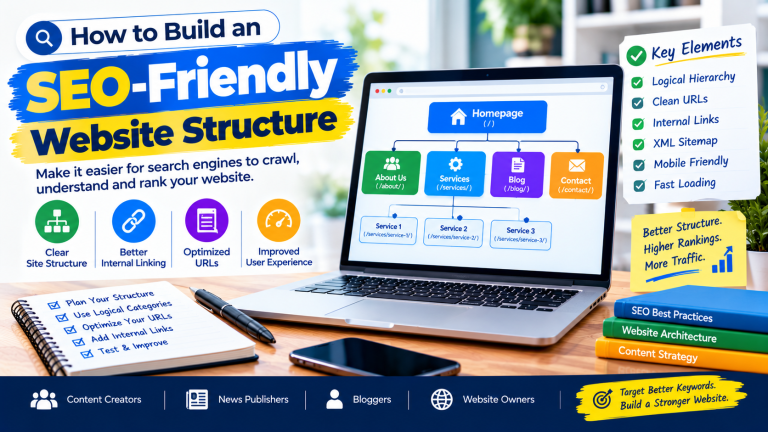
Improve your website structure
Make important content easy to reach.
For example:
Homepage → Category → Article
Your most important articles should not be buried several clicks deep.
6. Your Website Has Poor Internal Linking
Internal links connect one page on your website to another.
They help readers discover related content and help search engines understand the relationship between pages.
For example, if you publish an article about:
“How to Build a Website That Ranks on Google”
you could internally link to related articles such as:
- Common Website Errors That Kill SEO Rankings
- Static vs Dynamic Websites
- Why Business Websites Fail to Generate Leads
- How to Improve Website Speed
For news publishers, internal linking can be especially valuable.
When publishing a new story, link to relevant previous reports, background stories, profiles, and related coverage where appropriate.
Read Also: Why Your Business in Kano Needs a Website in 2026 (Even If You Use Social Media)
7. Your Content Is Not Competitive Enough
Being indexed does not automatically mean that your page will appear at the top of Google.
This distinction is extremely important.
Indexing means Google knows about your page. Ranking determines where your page appears in search results.
Your website might therefore be indexed but still receive little organic traffic.
This can happen when your content is competing against websites with stronger authority, better coverage, more useful information, or stronger relevance to the search query.
How to improve your content
Before publishing, ask:
- Does this article answer a real question?
- Is the information useful?
- Is the article original?
- Does it provide enough context?
- Is the headline clear?
- Does the introduction satisfy search intent?
- Are important facts properly explained?
- Is the article easy to read on mobile devices?
Avoid publishing large quantities of thin or repetitive articles simply because you want more pages indexed.
8. Your Website Has Duplicate or Repetitive Content
News publishers often cover similar developments multiple times.
For example, a developing story might produce:
- Breaking news
- Update 1
- Update 2
- Official reaction
- Interview
- Follow-up report
If many pages contain substantially similar information without adding meaningful value, it can become difficult for search engines to determine which page should be prominent.
A better approach
Use updates strategically.
When appropriate, consolidate information into a comprehensive article or clearly differentiate each story by its unique angle, information, or purpose.
For news websites, original reporting, useful context, and clear attribution can make individual stories more valuable.
9. Your Website Is Too Slow
Website speed affects user experience and can also affect how efficiently search engines crawl a website.
Slow websites can frustrate readers, especially mobile users.
Common causes include:
- Large images.
- Poorly optimized themes.
- Too many plugins.
- Excessive advertising scripts.
- Poor-quality hosting.
- Unoptimized databases.
- Unnecessary JavaScript and CSS.
- Lack of caching.
What can you do?
Consider:
- Compressing images before uploading them.
- Using modern image formats where appropriate.
- Enabling caching.
- Removing unnecessary plugins.
- Choosing reliable hosting.
- Optimizing your WordPress database.
- Using a CDN when appropriate.
- Monitoring Core Web Vitals.
For publishers, performance is particularly important because news websites often contain images, advertisements, videos, widgets, and social-media embeds.
Read Also: Static vs Dynamic Websites: Which Is Best for Your Business?
10. Your Website Has Technical SEO Problems
Technical SEO problems can prevent search engines from properly understanding your website.
Important areas to check include:
- HTTPS.
- XML sitemap.
- Robots.txt.
- Canonical URLs.
- Redirects.
- Mobile usability.
- Broken links.
- Structured data.
- Page status codes.
- Website architecture.
- Indexing directives.
You do not necessarily need to become a technical SEO expert, but you should regularly monitor your website using tools such as Google Search Console and appropriate SEO auditing tools.
11. Your Website Has Very Few Quality Backlinks
Backlinks are links from other websites to your website.
They can help search engines discover content and can contribute to a website’s overall authority and visibility.
However, chasing hundreds of low-quality links is not a good SEO strategy.
Instead, focus on earning relevant links naturally.
Content creators can earn links by creating:
- Original research.
- Useful guides.
- Statistics.
- Industry reports.
- Interviews.
- Expert commentary.
- Valuable resources.
- Original news reports.
For news publishers, original reporting can naturally attract references from other websites, social platforms, blogs, and organizations.
12. You Are Searching for the Wrong Keywords
Sometimes your website is ranking—but not for the searches you are checking.
For example, you may expect an article to rank for:
“Best website design company”
while Google may be showing it for a much more specific search such as:
“website design company in Nigeria.”
Instead of relying only on manual Google searches, use Google Search Console to see the queries generating impressions and clicks.
This information can help you understand how Google currently interprets your content.
How to Check Why Your Website Is Not Showing on Google
If your website has disappeared from Google or is receiving very little organic traffic, follow this checklist.
Step 1: Check indexing
Search:
site:yourdomain.com

Step 2: Open Google Search Console
Verify that your website is connected to Search Console.
Step 3: Inspect important URLs
Use URL Inspection to check individual pages.
Step 4: Check your sitemap
Make sure your XML sitemap exists and contains the URLs you want search engines to discover.
Step 5: Check robots.txt
Make sure important sections of your website are not accidentally blocked.
Step 6: Check for noindex instructions
Review your WordPress settings and SEO plugin configuration.
Step 7: Improve your content
Make articles more useful, original, comprehensive, and relevant to the searcher’s intent.
Step 8: Improve internal linking
Connect related articles and important pages.
Step 9: Improve website performance
Optimize images, hosting, caching, plugins, scripts, and other performance factors.
Step 10: Monitor your results
SEO is not a one-time task. Continue monitoring your website and improving your content based on real search data.
What News Publishers Should Do Differently
News publishers have a unique SEO challenge because they may publish many articles every day.
Publishing more articles does not automatically guarantee more Google traffic.
A successful news website should focus on:
Original reporting + accurate information + strong headlines + useful context + technical SEO + fast performance + internal linking.
When covering breaking news, make the important information immediately clear. Then provide additional context, updates, related stories, quotes, background information, and other useful details where appropriate.
Avoid changing URLs unnecessarily after an article has already been published and indexed.
Also maintain a logical category structure so readers and search engines can easily understand the different areas of your publication.
Read Also: Must-Have Digital Tools for Businesses in 2026
Frequently Asked Questions
Why is my website not appearing on Google?
Your website may not be indexed, may be blocked from crawling, may contain noindex instructions, may have technical problems, or may simply rank too low for the keywords you are searching.
How long does Google take to index a new website?
There is no guaranteed indexing timeframe. New websites and pages need to be discovered and processed by Google, and the timing can vary.
How do I know if Google has indexed my website?
Use a Google search such as:
site:yourdomain.com
You can also use Google Search Console to inspect individual URLs and monitor indexing information.
Does publishing more articles improve Google rankings?
Not necessarily. Publishing more content can create more opportunities to appear in search, but quality, relevance, originality, technical accessibility, and search intent also matter.
Can a WordPress website rank on Google?
Yes. WordPress websites can perform well in search when they are technically accessible, properly configured, and supported by useful, relevant content and sound SEO practices.
Why are my news articles not getting Google traffic?
Possible reasons include weak search visibility, highly competitive topics, insufficient differentiation, technical SEO problems, poor headlines, slow performance, indexing issues, or limited authority.
Final Thoughts
If your website is not showing on Google, do not immediately assume that your website has been penalized.
Start by determining whether Google has indexed your website. Then investigate crawling, noindex settings, technical SEO, website performance, content quality, internal linking, and keyword targeting.
For content creators and news publishers, the goal should not simply be to get more pages indexed. The goal is to build a website that consistently provides useful, original, accessible, and trustworthy information to its target audience.
SEO is a long-term process. By fixing technical problems, improving your content, strengthening your website structure, and monitoring your performance, you can create a stronger foundation for organic search visibility.
Is your website not showing on Google? Start with Google Search Console, identify the problem, fix the technical issues, and then improve the content that matters most to your audience.