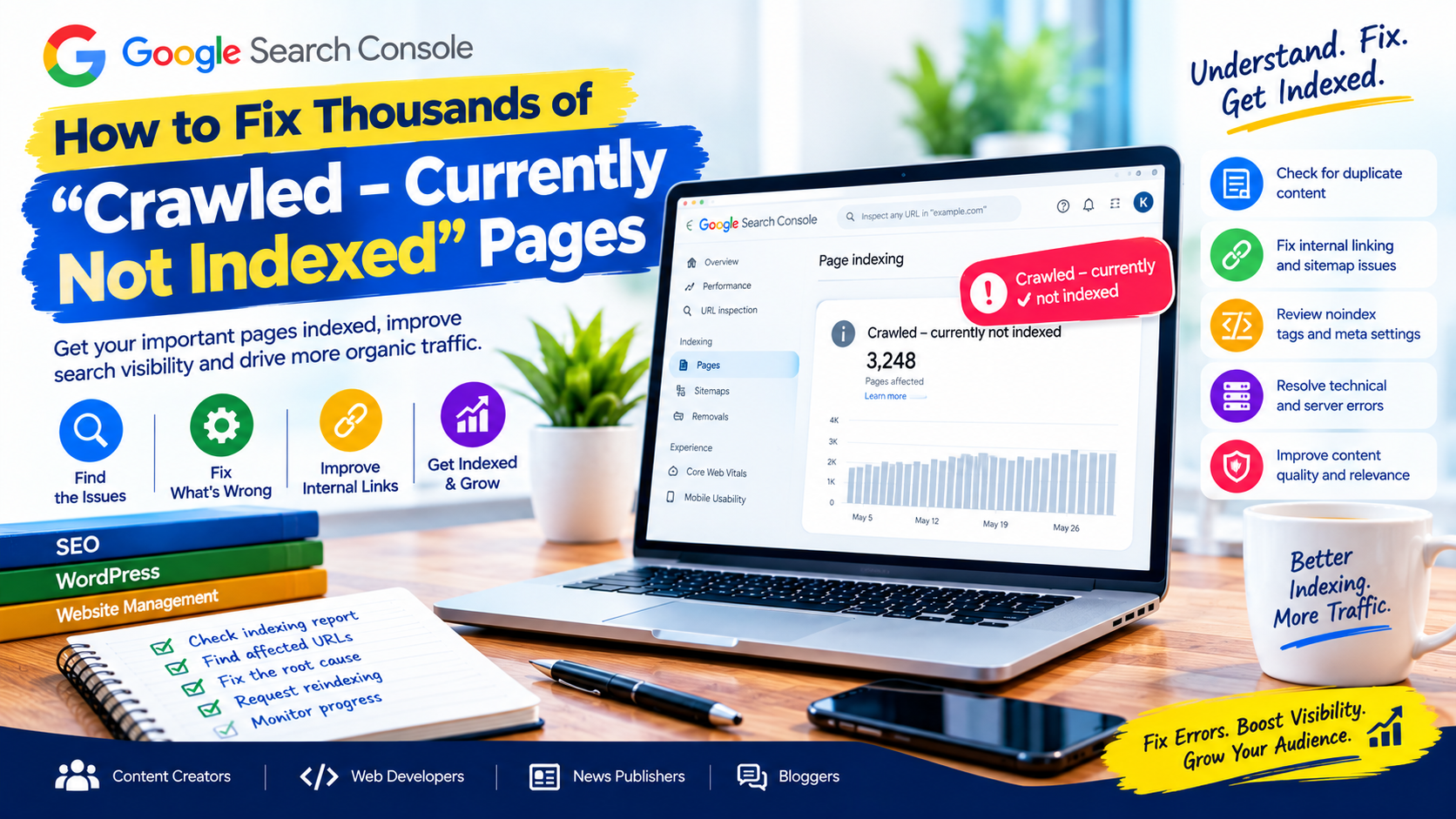
How to Fix Thousands of “Crawled – Currently Not Indexed” Pages
Have you opened Google Search Console and discovered thousands of pages under “Crawled – currently not indexed”? You are not alone. This issue can concern website owners, bloggers, news publishers, content creators and developers, particularly when a website publishes large volumes of content.
The problem can be confusing because Google has already visited these pages, yet they are not appearing in its search results.
The good news is that this status does not automatically mean your website has a penalty or a technical failure. However, when thousands of important URLs remain unindexed, it is worth investigating whether content quality, duplication, internal linking, website structure or technical configuration is contributing to the problem.
In this guide, you will learn how to fix thousands of “Crawled – currently not indexed” pages, identify the underlying causes and improve the chances that your most valuable pages will appear in Google Search.
What Does “Crawled – Currently Not Indexed” Mean?
In Google Search Console, “Crawled – currently not indexed” means Google has crawled a URL but has not included it in its search index at the time of reporting.
Crawling and indexing are two different processes. Crawling happens when Google accesses a page and processes its contents. Indexing involves evaluating and potentially storing that content so it can be shown in search results.
A page can be crawled without being indexed. Submitting a URL in an XML sitemap or requesting indexing does not guarantee inclusion in Google’s index.
The first step is therefore not to submit every URL repeatedly. It is to understand why the affected pages are not being indexed and determine which ones deserve priority.
1. Identify the Pages Affected in Google Search Console
Before making changes, examine the Page Indexing report in Google Search Console.
Navigate to Indexing → Pages and locate the “Crawled – currently not indexed” status. Review the affected URLs and export the available data for analysis.
Look for patterns such as:
- A large number of articles published within the same period.
- Category and tag archive pages.
- Old or outdated news stories.
- Pages with similar titles and content.
- Product, author or pagination URLs.
- URLs generated by filters or query parameters.
- Pages from a recently redesigned or migrated website.
Grouping URLs by type can help you discover whether the issue affects your entire website or only specific sections.
For example, if most affected URLs are tag archives, the solution may involve reviewing archive settings and site structure. If the affected URLs are original articles, you may need to investigate content quality, internal links and canonicalization.
Important: Search Console data can be delayed. Use the report as a diagnostic starting point, not as a complete real-time count of every page Google knows about.
2. Improve Thin or Unhelpful Content
One possible reason for large numbers of unindexed URLs is that some pages offer limited value to users.
Thin content may include short articles that provide little information, pages that repeat existing material, automatically generated summaries with no meaningful added value, or archive pages containing little beyond a list of links.
For news publishers, publishing many articles about the same event without adding original reporting, context or useful updates may also create a large collection of pages with overlapping information.
How to fix it
Review affected pages individually or in sensible groups.
Ask these questions:
- Does the page answer a clear user question?
- Does it provide original information or useful analysis?
- Is the information accurate and sufficiently detailed?
- Does it add something beyond other pages on the website?
- Is the page useful enough for a visitor to find independently?
Improve pages that have genuine potential by adding relevant facts, expert explanations, original reporting, helpful images, data, examples and links to reliable sources.
Do not add unnecessary paragraphs simply to increase word count. The objective is to improve usefulness, not to make every article longer.
Also avoid deleting all affected pages indiscriminately. Some pages may be valuable even though Google has not indexed them yet.
3. Find and Resolve Duplicate Content
Duplicate or substantially similar content can make it harder for Google to determine which URL should represent a particular subject in search results.
This is common on websites with many categories, tags, pagination variations, tracking parameters and republished articles.
For example, the same article might be accessible through multiple URL formats because of inconsistent trailing slashes, parameters or site configuration.
What to do
Check whether affected URLs have equivalent versions elsewhere on your website.
Where duplicate pages are unnecessary, consolidate them when appropriate. If several URLs genuinely represent the same content, use redirects or canonical tags according to the situation.
A canonical tag identifies the preferred URL among duplicate or similar pages. It should point to the correct, accessible, indexable version.
For WordPress websites, review the settings in your SEO plugin and confirm that canonical URLs are generated correctly.
Do not use canonical tags to point unrelated articles to a single popular page. Canonicalization is intended to clarify duplicate or similar versions, not to replace proper content organization.
4. Strengthen Internal Linking
Internal links help users and search engines discover important pages and understand how content relates across a website.
A page that appears in an XML sitemap but has no meaningful links from other pages may be harder for visitors to discover.
This can become a problem on large blogs and news websites that publish many articles daily.

Practical ways to improve internal linking
Link to important articles from relevant locations, such as:
- The homepage or featured content sections.
- Relevant category pages.
- Related articles.
- Topic hubs and evergreen guides.
- Useful editorial collections.
Use descriptive anchor text that explains what the destination page is about.
For example, an article about website security could link to a related guide on WordPress security maintenance.
Avoid adding hundreds of irrelevant links merely to manipulate indexing. Internal links should help readers navigate your content naturally.
5. Review Your XML Sitemap
An XML sitemap helps Google discover important URLs, but it does not guarantee that they will be indexed.
A sitemap containing thousands of low-value, duplicate, redirected or non-indexable URLs may make your site’s URL organization harder to manage.
Check that the sitemap contains the canonical URLs you actually want search engines to discover.
For WordPress websites, SEO plugins often generate sitemaps automatically. Review the sitemap configuration after changing categories, permalinks, indexing settings or plugins.
Check for:
- URLs returning 404 errors.
- Redirected URLs.
- Pages marked
noindex. - Duplicate URL variations.
- Unwanted tag or archive pages.
- Incorrect domain or protocol versions.
Remove unsuitable URLs from the sitemap, but remember that removing a URL from the sitemap does not itself remove that page from Google’s index.
6. Check Canonical Tags and Indexing Directives
Technical configuration can prevent Google from indexing the version of a page you expect.
Inspect a sample of affected URLs using Search Console’s URL Inspection tool.
Check the user-declared canonical and the Google-selected canonical, where available. Also confirm whether the page is accessible and whether indexing is permitted.
Review these potential problems:
Accidental noindex: An SEO plugin, theme or server header may instruct search engines not to index important pages.
Incorrect canonical URL: A page may identify another URL as its preferred version.
Robots.txt restrictions: Important pages may be blocked from crawling. Note that robots.txt and noindex serve different purposes; Google generally needs to crawl a page to see a noindex directive in its HTML.
Redirect problems: A URL may lead to an unexpected destination or a redirect chain.
Fix the underlying configuration instead of repeatedly requesting indexing for the same URLs.
7. Improve Website Performance and Server Reliability
Server problems can interfere with Google’s ability to access content consistently.
Although “Crawled – currently not indexed” does not automatically indicate a server problem, it is sensible to investigate technical reliability when large numbers of pages are affected.
Check whether your website experiences:
- Frequent 5xx server errors.
- Slow or unreliable responses.
- Database failures.
- Broken page templates.
- Incorrect HTTP status codes.
- Unavailable CSS or JavaScript resources.
- Hosting limitations during traffic spikes.
Review your hosting logs and Search Console’s Crawl Stats report where available. If problems began after a website update, plugin installation or migration, investigate those changes.
For large WordPress and news websites, reliable hosting, a well-maintained database and careful plugin management can support more consistent site operation.
Do not increase server resources blindly. First establish whether server capacity or configuration is actually causing a problem.
8. Review Category, Tag and Automatically Generated Pages
Large websites often generate many URLs automatically.
WordPress, for example, can create category archives, tag archives, author archives, date archives and pagination URLs. Other platforms may create filtered pages or parameter-based variations.
These pages are not automatically harmful. They can be useful when they provide meaningful navigation or unique information.
Problems may arise when thousands of archives contain almost identical lists of articles, have little independent value or compete with more useful pages.
Review which archive types genuinely help your audience.
Consider improving valuable category pages with clear descriptions and useful organization. Configure low-value archive types appropriately, using noindex where suitable or consolidating unnecessary URL variations.
Do not block a page in robots.txt if your intention is for Google to crawl it and read a noindex directive.
9. Avoid Publishing Large Volumes of Low-Value Articles
Publishing frequently does not guarantee that every article will be indexed.
This matters to news publishers, bloggers and websites that use automation to generate or summarize content.
Before publishing an article, establish whether it adds meaningful value to the audience. Original reporting, verified facts, useful explanations and unique analysis can help distinguish an article from similar pages.
Automation and AI tools are not inherently a reason for exclusion, but content created primarily to manipulate search rankings rather than help people may violate Google’s spam policies.
Develop a consistent editorial process that includes fact-checking, editing, source verification and quality control.

For publishers, prioritizing useful coverage is generally more sustainable than producing large numbers of nearly identical articles solely to increase URL counts.
10. Request Indexing Strategically
After correcting a problem, use URL Inspection to test representative pages and request indexing when appropriate.
However, requesting indexing is not a guarantee that Google will index a page. Google also applies crawling limits, and repeated submissions do not force a page into search results.
For thousands of affected URLs, prioritize:
- Important evergreen guides and service pages.
- Original, high-value articles.
- Recently updated pages that should be searchable.
- Pages receiving meaningful internal links.
- Other URLs after their underlying issues have been addressed.
Use the sitemap for large-scale URL discovery and URL Inspection for individual troubleshooting.
Then monitor the Page Indexing report over time to see whether the changes produce improvements.
11. Build a Practical Indexing Recovery Plan
Rather than changing everything at once, organize the work into manageable stages.
Stage 1: Diagnose. Export affected URLs and group them by page type, template, publication date and likely cause.
Stage 2: Prioritize. Identify the pages that are genuinely important to users and your website’s goals.
Stage 3: Fix. Improve content, internal links, canonical tags, sitemap entries and technical issues as necessary.
Stage 4: Validate. Inspect representative URLs and confirm that they are accessible and eligible for indexing.
Stage 5: Monitor. Review Search Console periodically and compare changes against your initial findings.
Keep a record of what you changed and when. This makes it easier to identify which actions helped and which need further investigation.
Frequently Asked Questions
Does “Crawled – currently not indexed” mean Google penalized my website?
No. This status alone does not mean that your website has received a penalty. It means the URL has been crawled but is not currently indexed. Investigate the affected pages and check the Manual Actions and Security Issues reports separately if you suspect other problems.
How long does it take to fix indexing issues?
There is no guaranteed recovery period. The time depends on the underlying issue, the importance of the pages, crawling activity and Google’s processing. Monitor progress rather than expecting all affected URLs to be indexed immediately.
Should I delete all pages marked “Crawled – currently not indexed”?
No. Evaluate each page or group of pages first. Improve valuable content, consolidate unnecessary duplicates and remove pages only when there is a sound editorial or technical reason.
Can a sitemap fix the problem?
A valid sitemap can help Google discover URLs, but it cannot guarantee indexing. Content quality, canonicalization, internal linking and technical accessibility may still need attention.
Is this issue common on news websites?
Large news websites can encounter indexing challenges because they publish frequently and generate many URLs. Review original reporting, duplicate coverage, archive structures, internal links and technical reliability to identify the causes affecting your particular website.
Conclusion
Thousands of “Crawled – currently not indexed” pages can look alarming in Google Search Console, but the number alone does not explain the cause.
The most effective starting point is to examine URL patterns, identify valuable pages, improve content where necessary, resolve duplication, strengthen internal links and correct technical configuration.
For content creators, web developers, news publishers and bloggers, the goal should not be to force every URL into Google’s index. It should be to help Google discover and understand the pages that genuinely deserve to appear in search results.
Use Search Console as an ongoing diagnostic tool, make changes based on evidence and monitor the results. A structured approach is more useful than repeatedly requesting indexing without addressing the underlying problem.